Back to FAQ
How do I see which meters are missing the latest monthly value?
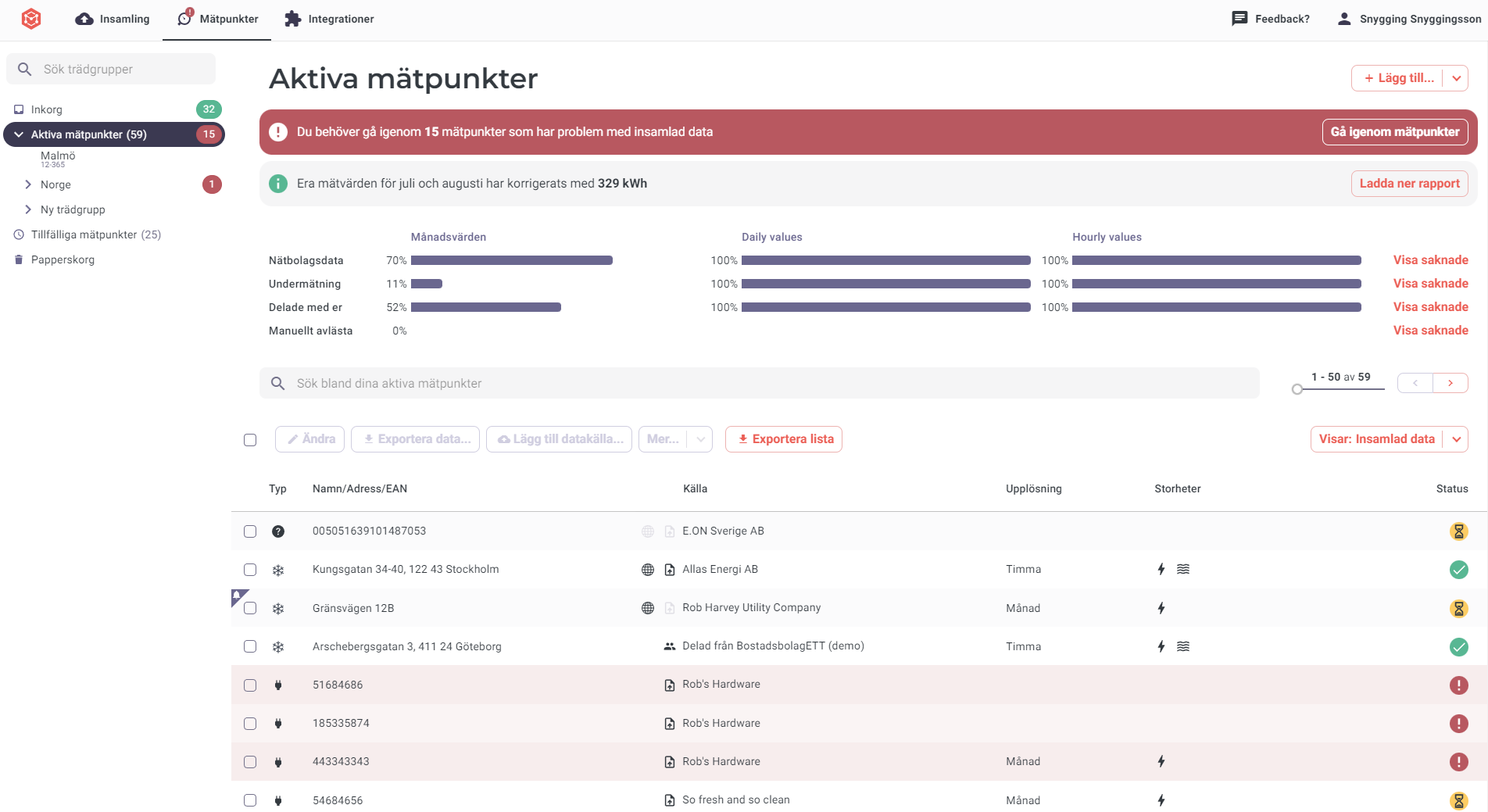
In the Metry portal you can monitor the collection of monthly and hourly values. In Active meters (and tree groups) there are bars showing what percentage has been collected for the different resolutions being monitored this month.
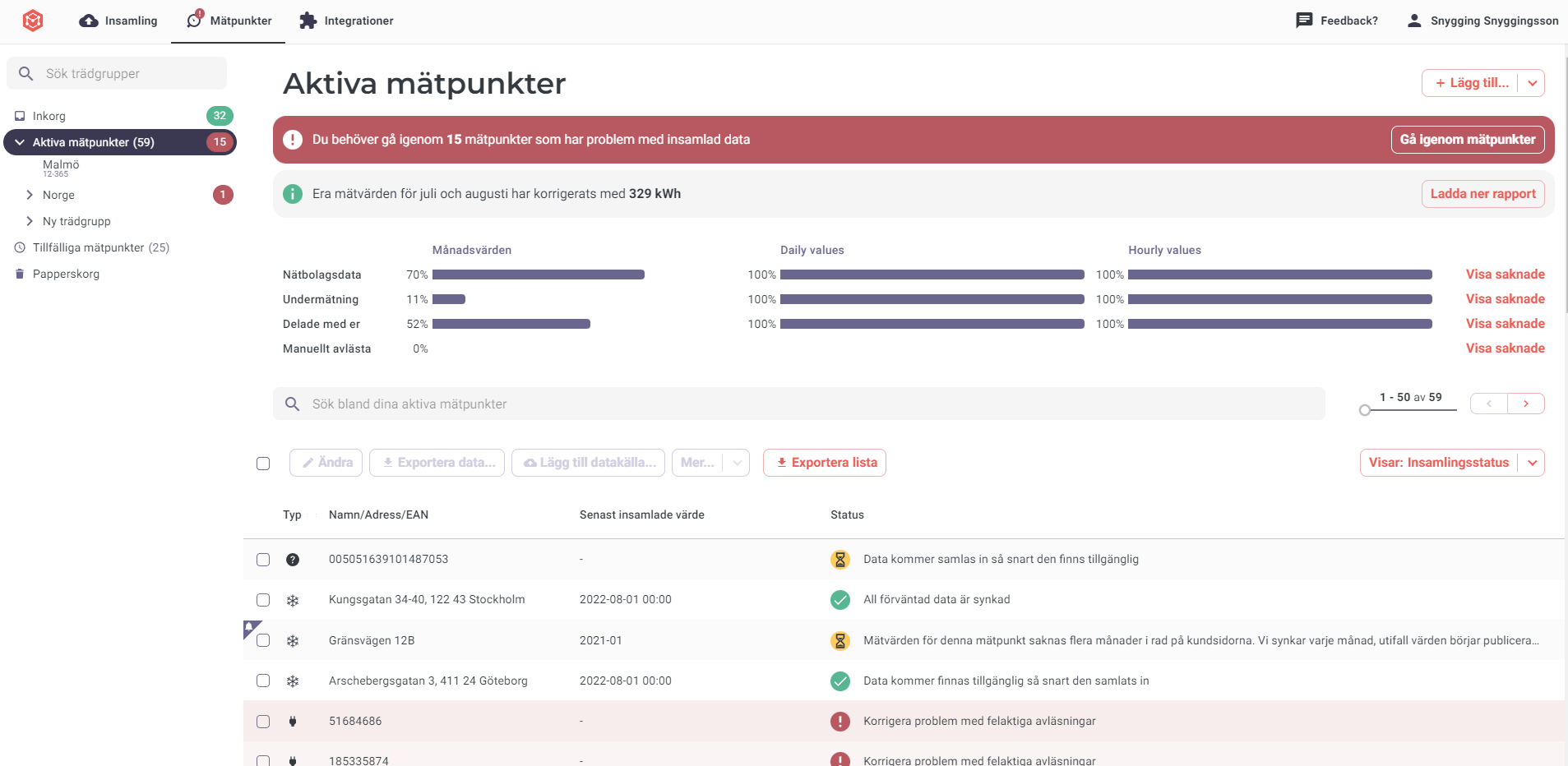
- If you want more information, you can display the metering points that are still missing a value by clicking “Show missing metering points”.
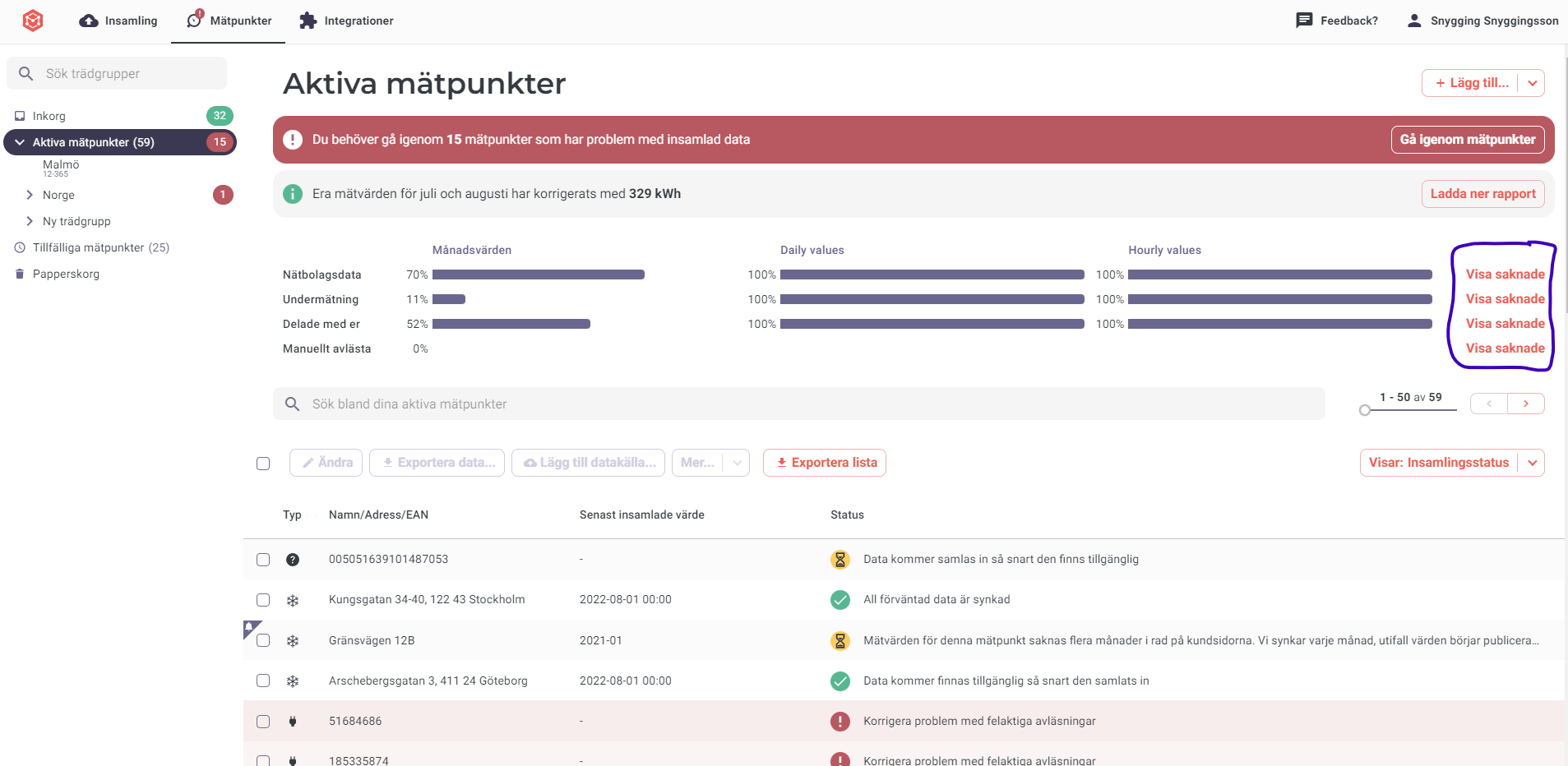
- In “Active meters”, collection status is shown with a green, yellow, or red symbol. Read more about these symbols here . You can also filter for metering points that are missing expected hourly or daily values using the “Search” box.