How do I export to Excel?
Export metering values
To export monthly consumption values, filter for the metering points you want and use the Export list button next to the search field. In the dialog, select Monthly values and click Download.
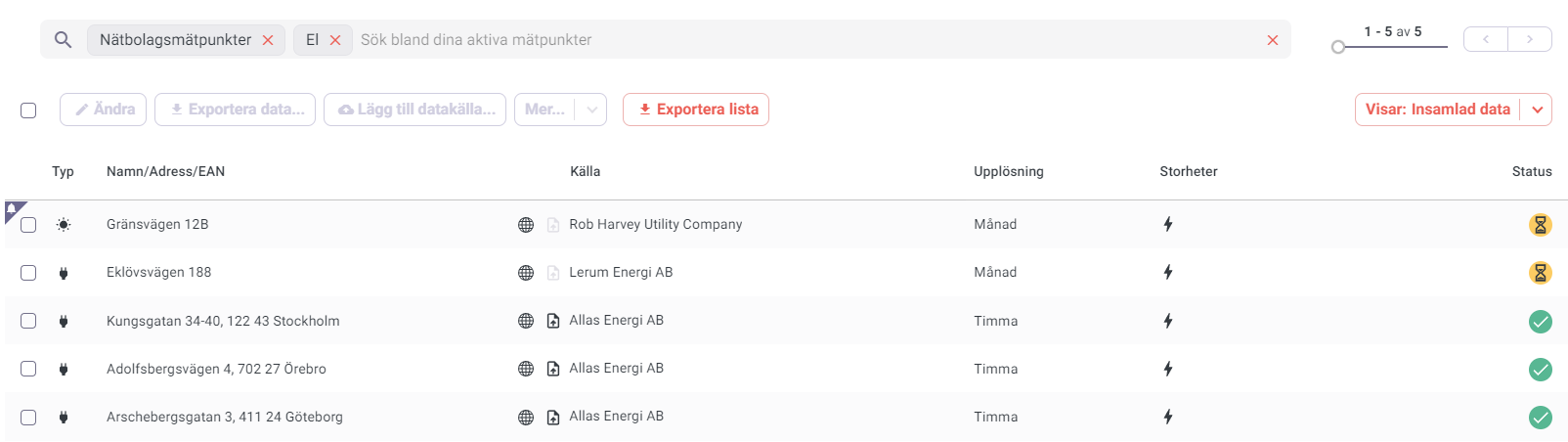
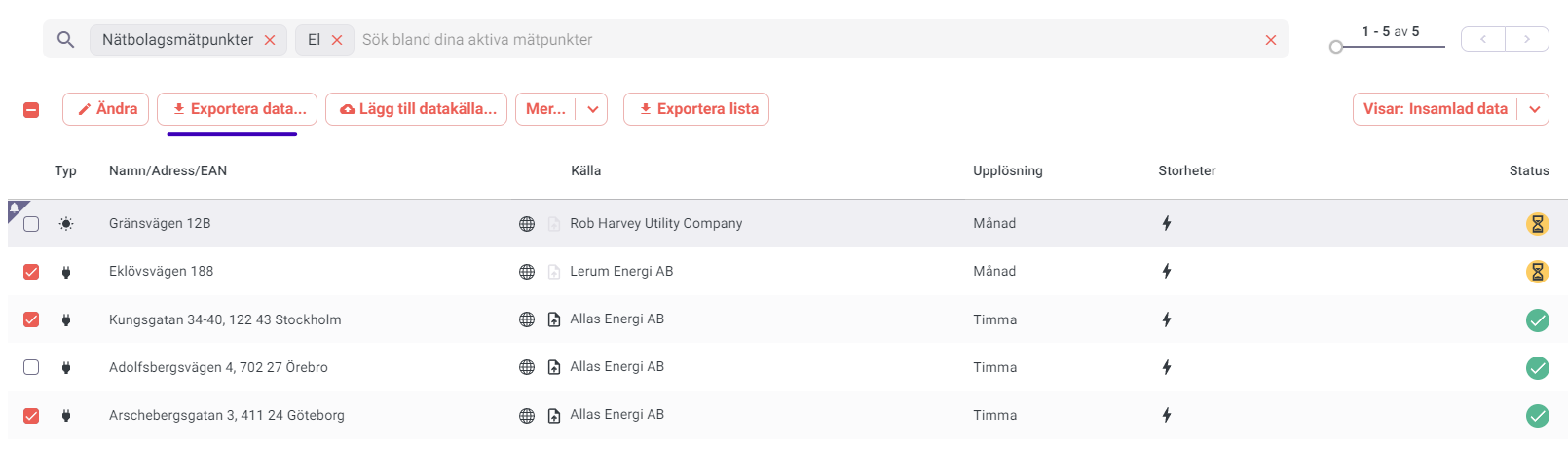
To export at higher resolution (daily/hourly), go to Active metering points, select the metering points, choose Export data…, then select format and time range, and click Download.
Export metering points list
Go to Active metering points and use the Export list button. In the dialog, choose the information you want to include and click Download.
You can filter first (by meter administrator, address, name, tags, etc.) — the exported list will contain only the filtered results.
Regular export?
If you want to export regularly, use the Metry API to retrieve all your energy data. Metry also partners with a range of suppliers who handle automated exports. Connect to a service via the Integrations page or contact support@metry.io for more information.